ARTICLE / 2024.06.12
Quick Debug with VSCode and debugpy
Need to debug a random python process? Overview Add the code below where you wanna break. Start the process with the debugpy modoule Use VSCode to connect to listening debugger 1 Add Code def somefunction(): # add this import debugpy print("Openin…
Need to debug a random python process?
Overview
- Add the code below where you wanna break.
- Start the process with the debugpy modoule
- Use VSCode to connect to listening debugger
1 Add Code
def somefunction():
    # add this
    import debugpy
    print("Opening debug connection on port 5678 and waiting...")
    debugpy.wait_for_client()
    debugpy.breakpoint() # optional?
2 Start the process
python -m debugpy --listen 5678 ./manage.py migrate wayapi
              ^              ^        ^
              install if required
                             default port
                                      script and arguments
* Sometimes add the option: python -Xfrozen_modules=off
3 Connect with VSCode
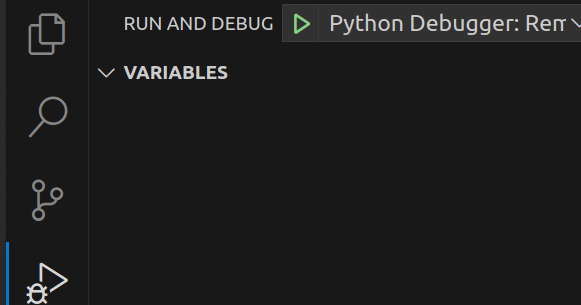
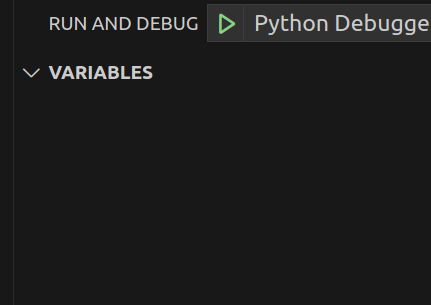
In run and debug, select the dropdown and choose "python debugger: remote attach"